
Choose the correct tracking tool and continue to the official carrier status.
Use a container, bill of lading, air waybill or courier number to find the right carrier interface. Foresmart organizes the links; the operating carrier supplies the live tracking events.
Open the tool that matches the main transport mode.
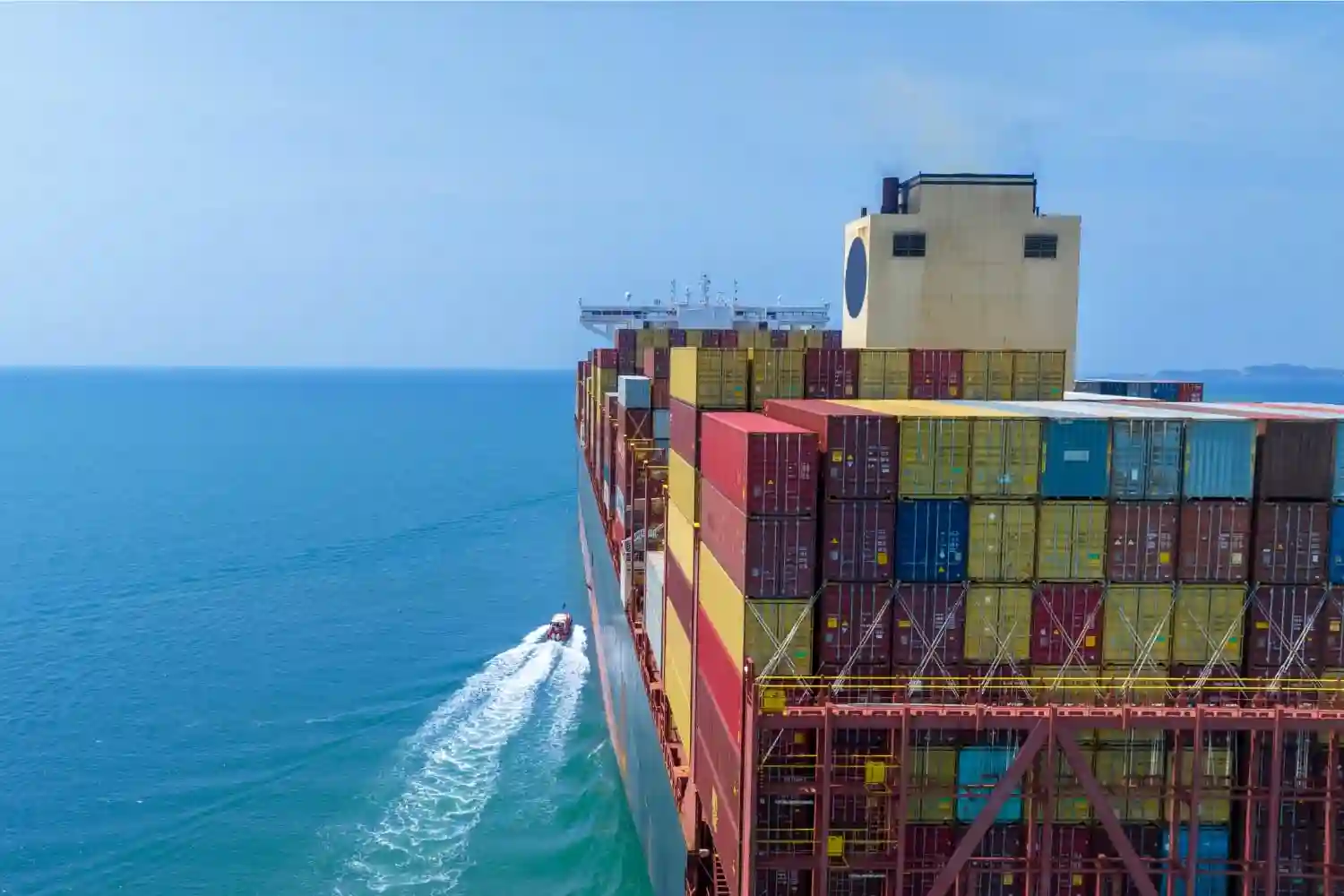 Ocean movement
Container Tracking
Find the ocean carrier and continue to its official container or bill-of-lading tracking page.
 Airport movement
Air Freight Tracking
Use the airline prefix and AWB number to open the relevant air-cargo tracking system.
 Parcel movement
Express Tracking
Continue to the official courier page for parcel scans, customs events and delivery status.
A supplier order number is not always a carrier tracking number.
Use the reference assigned by the operating ocean carrier, airline or courier. House references may require help from the freight forwarder.
Container number
A carrier-assigned equipment number printed on the container and shipping documents.
Use for carrier container-event searches. Check every letter and digit before submitting.Bill of Lading or booking
A carrier or NVOCC transport reference shown on the ocean shipping documents.
Some carrier systems accept only the master carrier reference, not every house B/L.Air waybill number
The main air-cargo transport number, commonly shown with an airline prefix.
Use the master AWB for airline tracking. A house AWB may require forwarder support.Courier tracking number
The parcel identifier assigned by DHL, FedEx, UPS, SF, EMS or another courier.
Use the number printed on the label, waybill or courier booking confirmation.Use the tracking result as one part of shipment communication.
Carrier scans show movement events. They do not always explain customs responsibility, delivery appointments or the business effect of a delay.
Identify the transport mode
Confirm whether the main movement is ocean, air cargo or courier express.
Use the carrier reference
Find the master carrier number rather than relying only on a supplier order number.
Open the correct carrier page
Use the Foresmart directory to continue to the official carrier tracking interface.
Read the latest event carefully
Check event time, location, estimated milestones and whether the event is actual or planned.
Tracking words change by carrier, but the physical journey follows recognizable stages.
Typical ocean milestones
Carrier event names vary, but an ocean shipment usually moves through these planning and physical stages.
Typical air-cargo milestones
Airline systems may show planned and actual airport events under short operational status codes.
Typical express milestones
Courier scans are more granular, but they still depend on physical scanning and customs events.
Find a familiar carrier before opening the full directory.
Check the spelling or open the full tracking directory.
A status event is not the complete shipment explanation.
Common reasons tracking is missing, delayed or unclear.
Do not assume every missing scan is a lost shipment. First verify the carrier, number, timestamp and shipment stage.
Label created, but no pickup
The booking or label exists, but the carrier has not recorded physical receipt.
No update after departure
Some sea and air systems remain unchanged between major port or airport events.
Transshipment delay
A connecting vessel, flight, terminal or capacity change may affect the next movement.
Customs hold or document request
The importer, broker or courier may need additional information before release.
Delivery appointment pending
Final delivery may wait for consignee approval, warehouse capacity or site access.
Tracking number not found
The number may be mistyped, too new, a house reference or assigned to a different carrier.
When a carrier event needs context, the shipment team follows the operating chain.
For Foresmart-booked cargo, send the tracking number together with the quotation, shipment or customer reference so the team can identify the correct movement.
Contact Shipment SupportConfirm the reference
Foresmart checks whether the customer has the correct carrier, master reference and transport mode.
Compare planned and actual milestones
Booking dates, departure, arrival, customs and delivery are reviewed as separate events.
Contact the operating party
Where appropriate, Foresmart follows up with the carrier, airline, courier, terminal, broker or delivery partner.
Explain the next action
The update should state what changed, who is responsible and what information or decision is needed.
Questions about carrier references, updates and missing events.
Use these answers before opening the carrier directory or asking the shipment team to investigate.
View All Shipping FAQsDoes Foresmart provide the carrier’s live tracking data?
The tracking directory sends users to official carrier, airline or courier interfaces. The latest event, estimated date and scan history remain controlled by the operating carrier.
Why does my tracking number show no result?
The number may be new, mistyped, assigned to another carrier or be a house reference that the operating carrier does not recognize. Confirm the master carrier reference with the booking party.
Can I track an LCL shipment with a container number?
A container number may show the shared container movement but does not identify every consolidator milestone. Use the house B/L or Foresmart shipment reference for shipment-specific support.
What is the difference between estimated and actual events?
Estimated dates are planning data and may change. Actual departure, arrival, discharge, pickup and delivery events should be read separately from scheduled milestones.
Why has a sea shipment not updated for several days?
Ocean tracking often updates at major terminal, vessel or transshipment events rather than continuously. A lack of scans does not automatically mean the container has stopped.
What information should I send when asking Foresmart for help?
Send the carrier, tracking number, Foresmart quotation or shipment reference, origin, destination and the status or milestone you need clarified.
Send the carrier number and the milestone you need clarified.
Include the Foresmart quotation or shipment reference, origin, destination and the latest carrier status shown.